DIDI × FasletControlled A/B
Source Virtual try-on + outfit intelligence for fashion commerce
Make “Will this suit me?” answerable — and measurable.
Your shopper uses one photo and sees the garment on themselves, inside your storefront. No re-platforming.
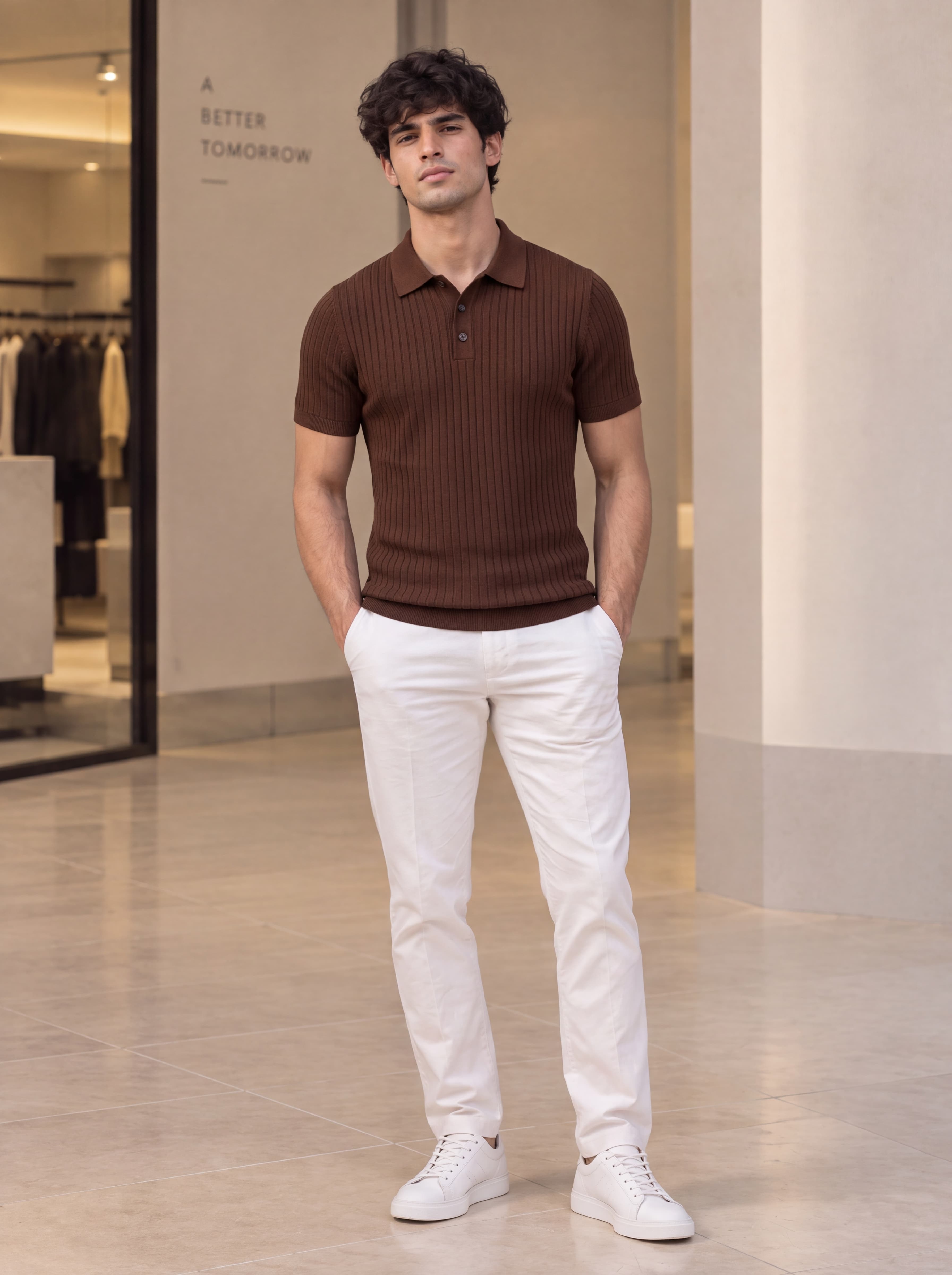
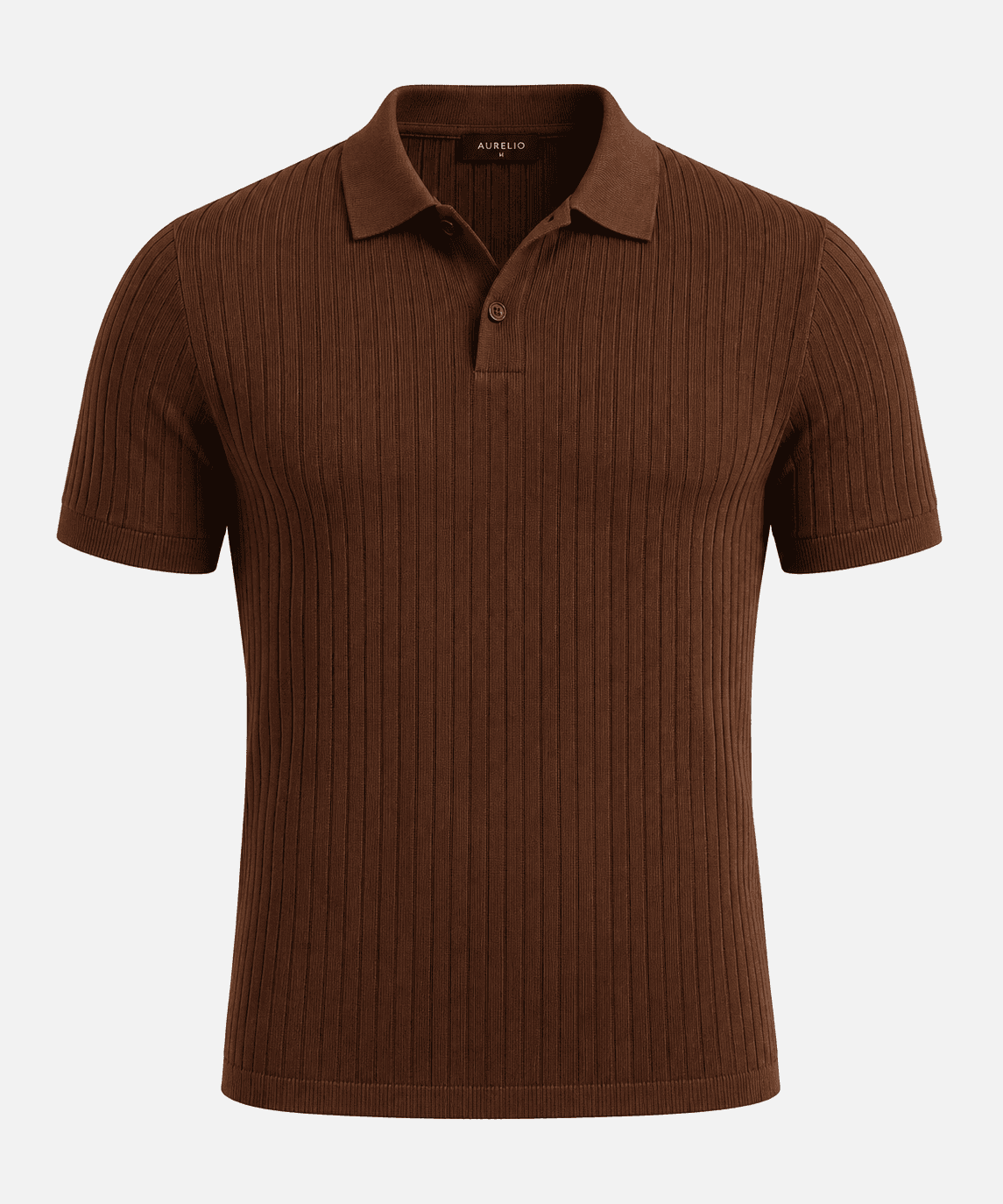
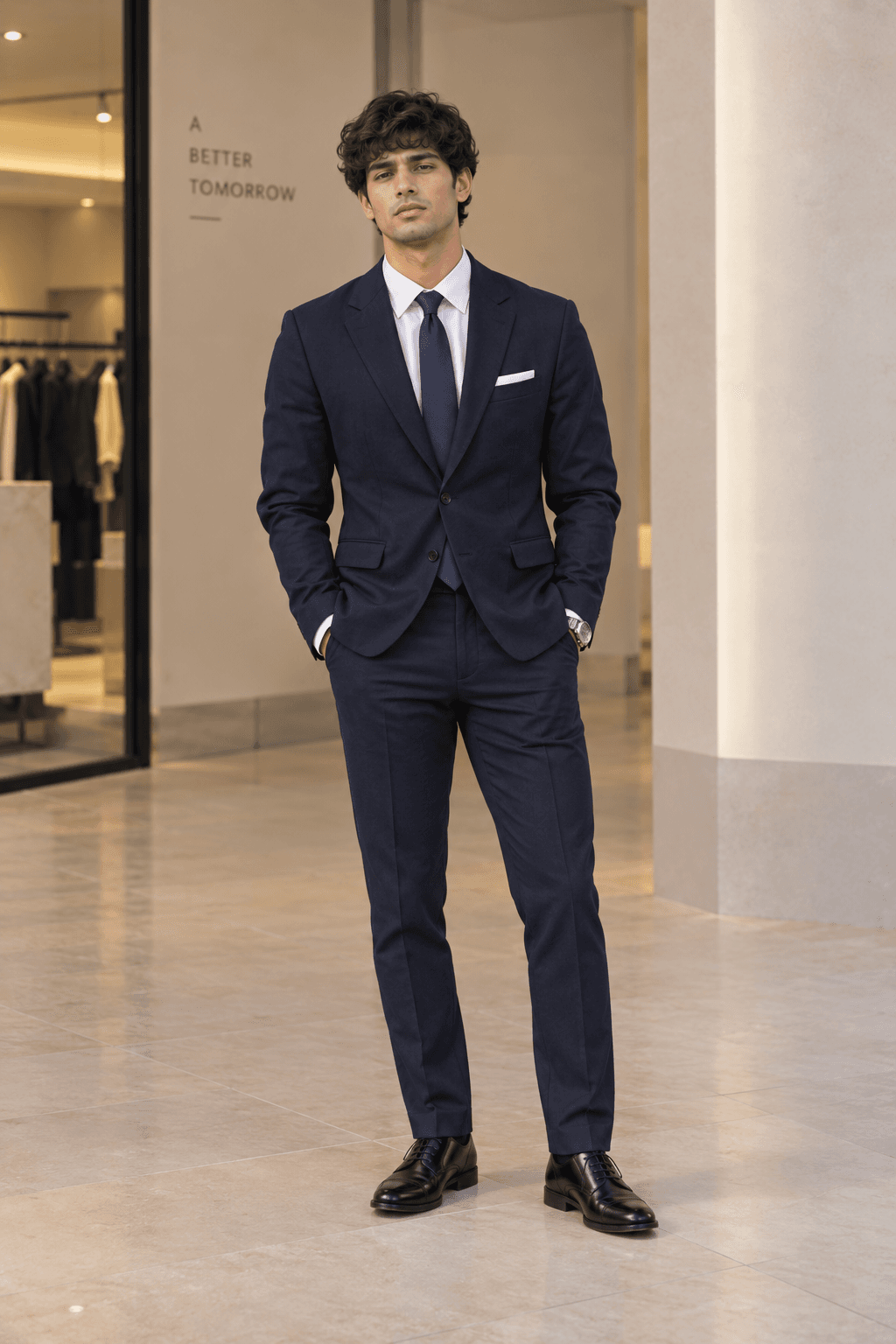
Your catalogue shot
On the shopper
Your brand and interface stay in front
Start on one measurable surface
Performance measured on your traffic
The cost of uncertainty
Every garment a shopper can’t picture on themselves is a return waiting to happen.
Fashion returns are driven by fit and appearance — decisions a flat product photo can’t settle. The revenue leaves your P&L twice: once as the order you never won, and again as the parcel you pay to bring back.
Monthly online revenue₹1.00 Cr
Your return rate25%
Shipped back every month₹25.00 L
Over a year₹3.00 Cr
See STYLD work
Four moments. Four different outputs.
Each tab shows what the shopper actually ends up looking at — not a diagram of where a button would go.
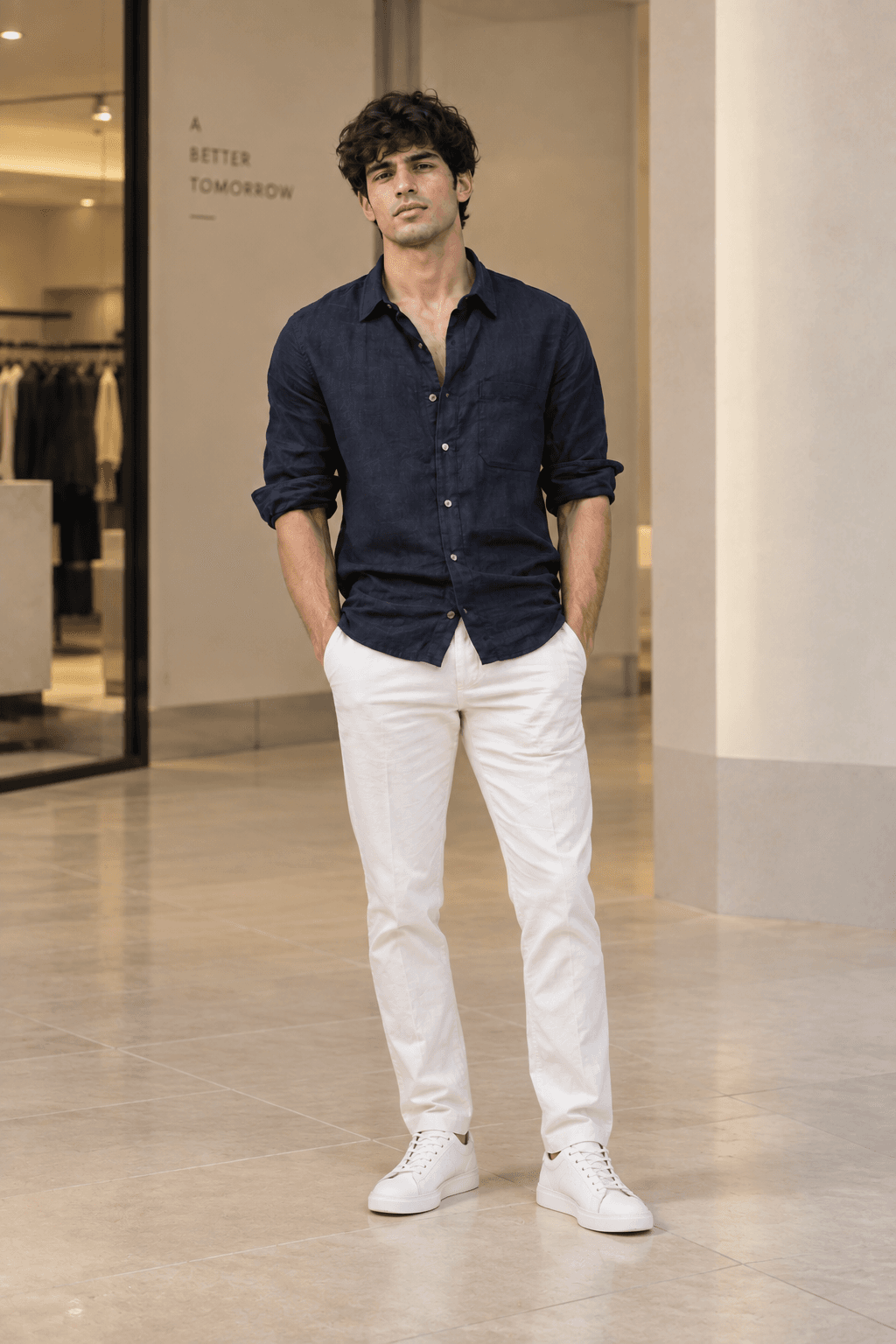
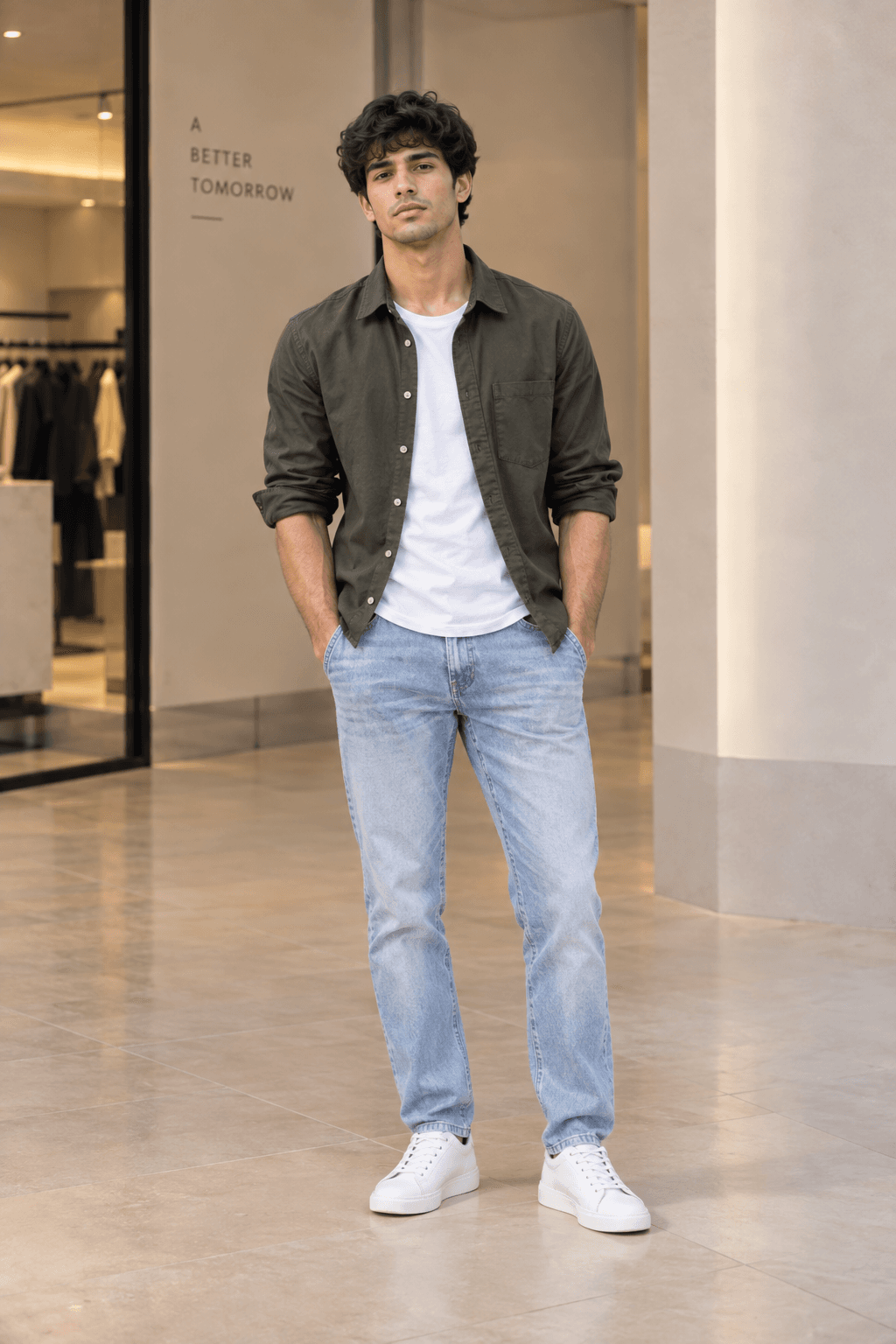
One photo, reused forever
The shopper uploads once. Every future garment lands on the same body.
The photo is validated before any render starts — cropped, angled, obstructed or multi-person images get retake guidance instead of a bad result.
- Garment roles validated before generation
- Photo bytes excluded from our API logs
- Second visual review for colour, pattern, logo, texture

Want to see this on one of your own products?
Send us a product URLWhy not just…
Recommendation engines don’t know what an outfit is.
Most of these are already in your stack. Here’s what each category structurally can’t do.
| Capability | Rec engine | AI chatbot | Try-on only | STYLD |
|---|---|---|---|---|
| Shows the garment on the shopper | ✗No | ✗No | ✓Yes | ✓Yes |
| Reasons about a complete outfit | ✗No | Partial | ✗No | ✓Yes |
| Garment-role validation before render | n/a | n/a | Varies | ✓Yes |
| Inventory-aware suggestions | ✓Yes | ✗No | ✗No | ✓Yes |
| Missing-piece detection for merchandising | ✗No | ✗No | ✗No | ✓Yes |
| Keeps your storefront and analytics | ✓Yes | Varies | ✓Yes | ✓Yes |
An in-house build is possible — garment-role validation, avatar reuse and a generate-then-review quality loop are the parts that take real engineering time.
Published retailer evidence
Three levers. What retailers have actually measured.
Ordered by rigour, not by size — a randomised test is worth more to a buying committee than a bigger number from a self-selected group.
Conversion
Do more visits become orders?
Garcia × FasletAdjacent category
Size-and-fit tooling rather than visual try-on; both groups already used Faslet size-me.
SourceBasket size
Do orders get bigger?
Rhone × StyliticsVendor case
Applies to influenced orders, not all site traffic.
SourceReturns
Does less of it come back?
ZalandoRetailer pilot
Described as a pilot result; scaled performance may differ.
SourceYours
And what will we measure?
None of the numbers to the left are ours.
They tell you the category opportunity. A STYLD pilot tells you the answer for your catalogue, your shoppers and your economics — against a randomised control where your traffic allows it.
We are the vendor willing to run a control group against ourselves.
Methodology and disclosure
Published industry outcomes shown here are third-party evidence, not claimed STYLD customer results. Each figure is attributed to the brand it belongs to and badged with how it was produced. STYLD pilots are designed to measure incremental impact on each brand's own traffic; comparing only shoppers who chose to engage against those who didn't inflates apparent performance and is not incremental lift.
Revenue opportunity
What could this be worth on your catalogue?
Three numbers to start. Benchmark-informed assumptions applied to your own figures — a scenario model, which the pilot then replaces with measurement.
Your store
Scenario
Mid-band between the controlled VTO tests, with AOV well below the Rhone influenced-order result.
- Conversion lift
- +5.0% relative
- AOV lift on eligible traffic
- +10%
- Return-rate improvement
- −2.0 pp
Currently shipped back every month₹25.00 LReturned revenue at your current rate. This is the number STYLD is aimed at — before any conversion or basket effect.
₹3.48 LModelled incremental retained revenue / month
₹41.80 LAnnual retained-revenue upside
+15.5%Eligible GMV lift
21Fewer returns / month
Want this measured instead of modelled?
Book a walkthrough A controlled pilot replaces every assumption here with your own numbers.
Measurement, not a trial
How it goes live.
Pilot design, integration, the API and data handling — in one place, because they’re one decision.
01
Choose the surface
Product-page try-on, complete-look styling, cart styling, or one category.
02
Choose the eligible catalogue
5–25 representative SKUs to validate integration; a larger sample where commercial measurement needs it.
03
Define the control
Randomly assign eligible sessions to STYLD or a control where your traffic allows.
04
Report the business metrics
Activation, add-to-cart, conversion, AOV, units per order, revenue per eligible session, cancellations, return rate and reason.
Recommended executive KPIIncremental contribution per eligible session, after returns
For product and engineering
Your customer sees the experience. Your team keeps control.
No re-platforming. One API call per try-on request. Image jobs return immediately with a job ID, so the page never waits.
// Queue the work and keep the PDP responsive
POST /ai/jobs/try-on

{
  "quality_profile": "interactive",
  "garments": [
    { "role": "base_top" },
    { "role": "outerwear" }
  ]
}

// 202 Accepted
{ "status": "queued", "job_id": "..." }
Storefront stays responsive
Useful questions
What a retail team should ask before a pilot.
The benchmark is interesting. Your number is what matters.
We show the product on one of your own SKUs, agree the surface and the KPI, and tell you honestly whether a pilot is worth your quarter.
- Send a product URL beforehand and we’ll bring the render
- No deck — the live product and your numbers
- We’ll say if your traffic can’t support a clean control